
Computer & Digital
What Is Business Chat on Instagram?
Jan
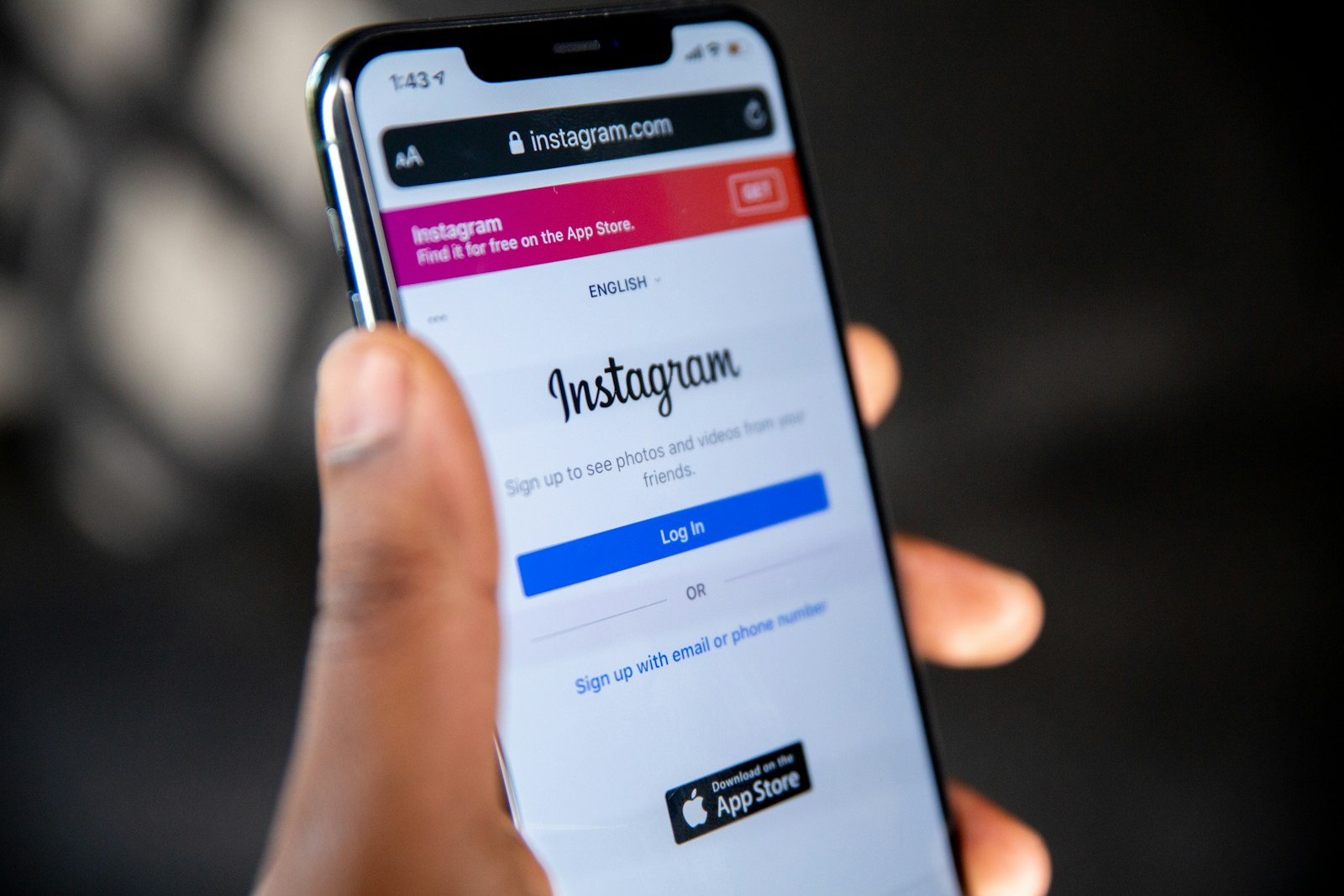
Instagram isn’t just a place to share photos and videos anymore. For businesses, it has become a full communication channel where you can talk directly with customers. That’s where Business Chat on Instagram comes in. It’s the built-in messaging system designed for brands, shops, and creators who use Instagram to connect with people in real time. Let’s break it down so you can see exactly what it is and how it works.
Understanding Business Chat
Business Chat is simply Instagram Direct Messaging (DMs) tailored for business accounts. When you switch your profile to a Business or Creator account, your messaging tools expand. Instead of just private chats, you get features that help you manage customer conversations more efficiently.
Some highlights include:
- Primary and General inbox tabs: Helps you organize messages. Important ones stay in Primary, while less urgent ones go to General.
- Quick replies: Lets you save answers to common questions (like hours, prices, or shipping details) and send them instantly.
- Automated greetings: Sends a welcome message when someone first messages your business.
- FAQ options: Customers can tap preset questions (like “What are your store hours?”) and get instant answers.
- Integration with Meta Business Suite: Manage chats from Instagram and Facebook in one place.
In short, Business Chat turns Instagram messages into a customer service and sales tool, not just a social inbox.
Why Business Chat Matters
For customers, sending a message on Instagram feels natural. It’s quick, direct, and familiar. For businesses, Business Chat offers benefits that go beyond simple messaging:
- Build trust: Quick, friendly replies make your brand feel approachable.
- Boost sales: Many people ask about products or services before buying. Answering fast can lead directly to purchases.
- Handle support: Instead of emails or calls, customers can get help right inside Instagram.
- Stay organized: With inbox tools, you won’t lose track of conversations.
This matters most because people expect businesses to be responsive. If you answer fast, you stand out.
How to Use Business Chat Effectively
Here are some practical ways to make the most of Instagram Business Chat:
- Switch to a Business Account
- Go to your Instagram settings.
- Tap “Account” → “Switch to Professional Account” → choose Business.
- Set up quick replies and FAQs
- In your inbox, save replies for common questions.
- Add FAQ options so customers can get instant answers without waiting.
- Respond quickly
- Customers often expect a reply within an hour. Use notifications or connect your inbox to Meta Business Suite so you never miss a message.
- Personalize your tone
- Even though tools save time, make sure your replies feel human. A warm, conversational style works best.
- Use chat for sales
- Share product links, answer questions, and guide customers directly to checkout through Instagram Shop or your website.
The Real Power of Business Chat
Business Chat on Instagram isn’t just about answering questions. It’s about building relationships. Each message is a chance to show that your business listens and cares. Instead of being another faceless brand online, you become approachable, responsive, and helpful.
When you use Business Chat well, you turn casual browsers into loyal customers. Every reply can spark trust. Every quick answer can spark a sale. And over time, those small moments of connection grow into something much bigger for your business.
